The King's Conference Centre

The King's Centre is situated in the centre of Norwich
offering a quality conference venue and coffee shop.

Follow us on social media: Facebook | Instagram | Twitter | LinkedIn

Make an enquiry
01603 285260

  • Home
  • Rooms
    • Rooms for 5-20 people
    • Rooms for 20-100 people
    • Rooms for 100-650 people
  • Location
    • Getting here
    • Venue parking
    • Hotels & Accommodation
  • Rates
    • Room rates
    • Delegate rates
    • Terms & Conditions
  • Conference Catering
  • King’s Coffee
  • About us
    • Serving people, saving lives
    • Testimonials
  • Contact
  • Home
  • Rooms
    • Rooms for 5-20 people
    • Rooms for 20-100 people
    • Rooms for 100-650 people
  • Location
    • Getting here
    • Venue parking
    • Hotels & Accommodation
  • Rates
    • Room rates
    • Delegate rates
    • Terms & Conditions
  • Conference Catering
  • King’s Coffee
  • About us
    • Serving people, saving lives
    • Testimonials
  • Contact

Screen AV

These are the instructions for setting up the AV equipment in our rooms with wall-mounted screens, these being Boardroom 1, Training Room 2, and Room 22; for other rooms, please return to the AV Assist landing page.

Please note that the images may look slightly different to the room you are using, but the instructions are the same.

How to operate the screen:

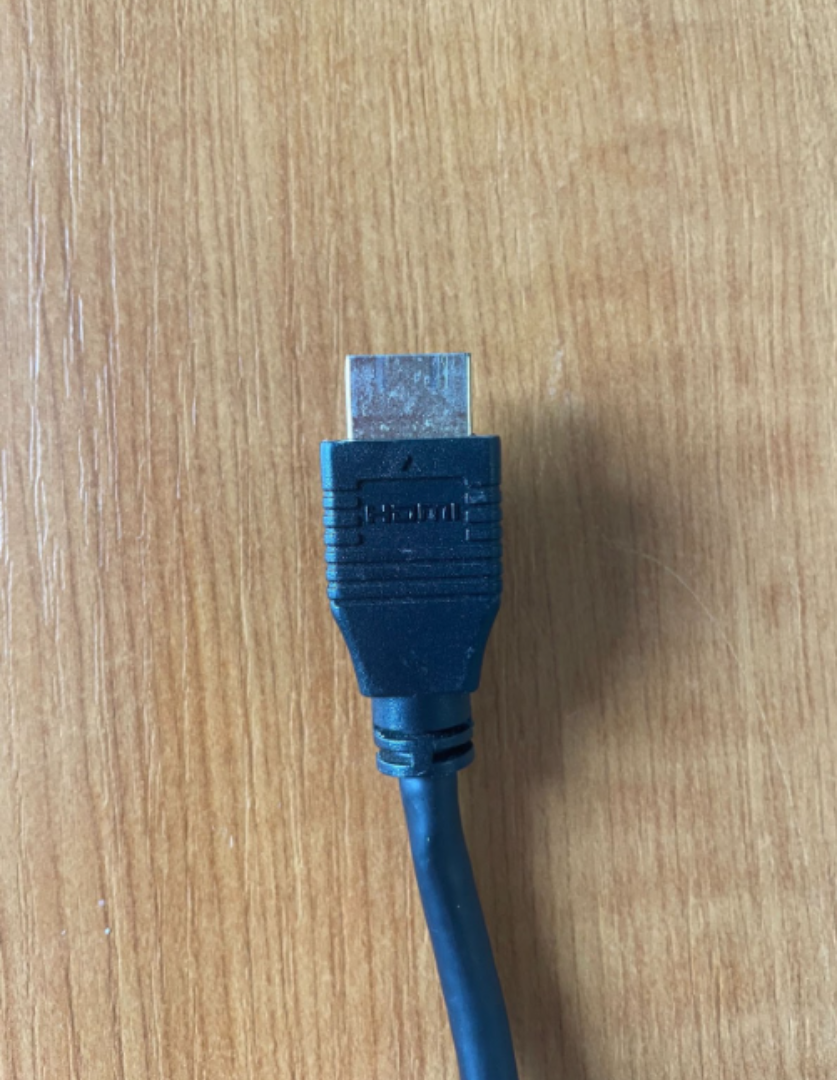
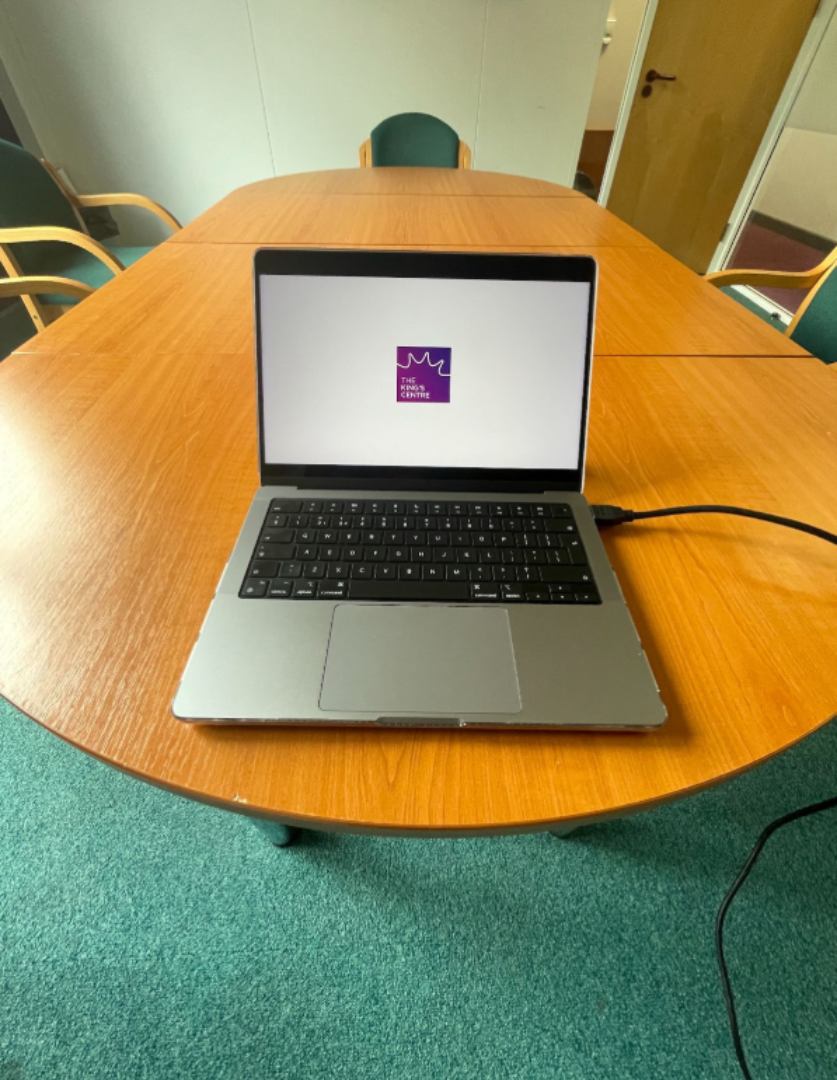
Locate the end of the HDMI cable plugged into the TV at the front of the room. Take the unused end and plug it into your laptop.
Using the TV remote provided, power on the TV and using the “SOURCE” button on the remote, set the source to HDMI 1.

You can adjust the volume also using the TV remote.

If you have trouble with these instructions, or the instructions are not resolving your problem, please call Reception on 01603 765795 and someone will come to assist you.


Equipment

To find out more about what equipment we can provide, including our new OWL for hybrid meetings, please go here.

Copyright The King's Centre © 2026 · Site built by Business Equip · Privacy Notice · Log in