Norwich Conference, Event & Meeting Spaces
Flexible spaces in the heart of the city
Where great events support local impact
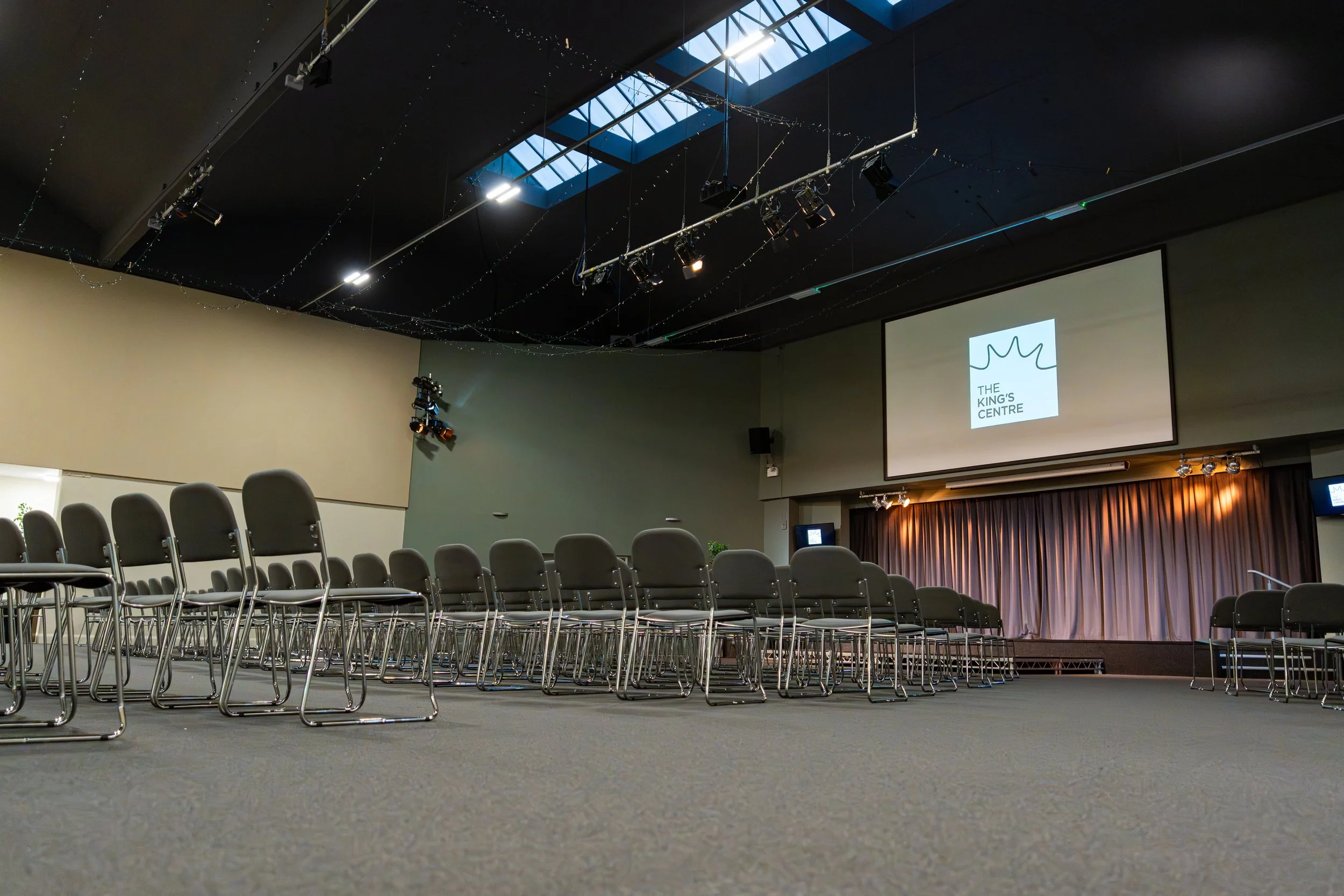
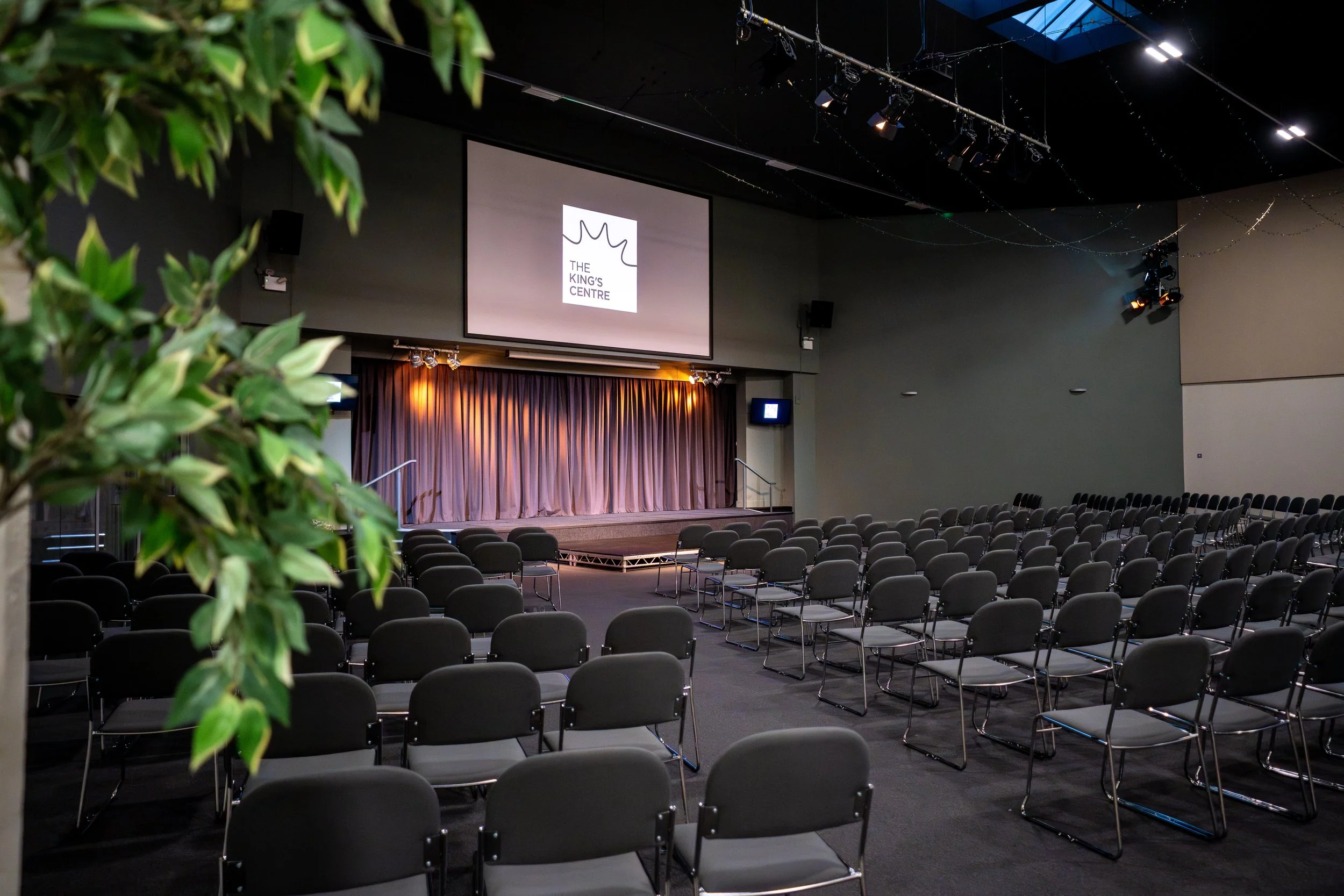
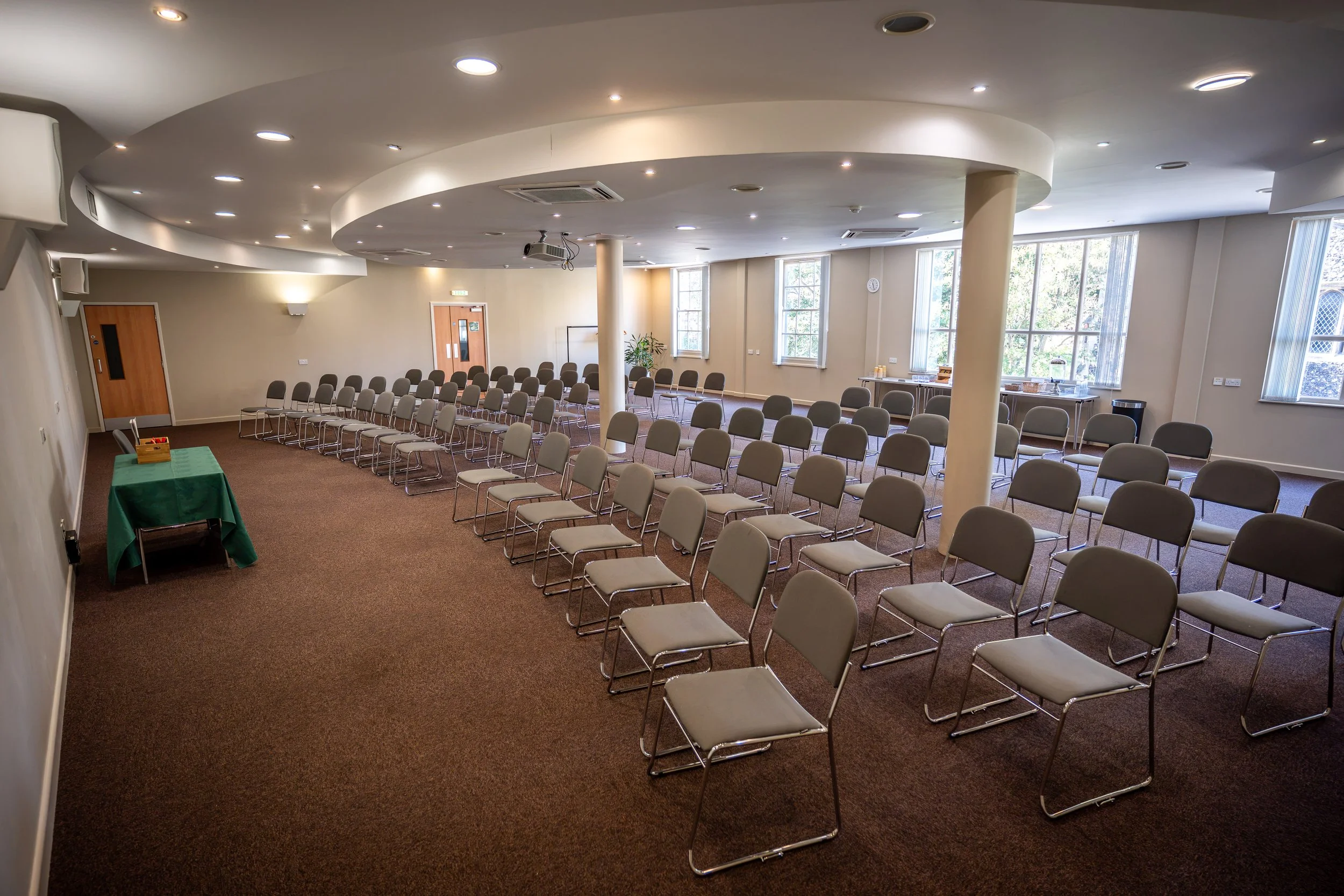
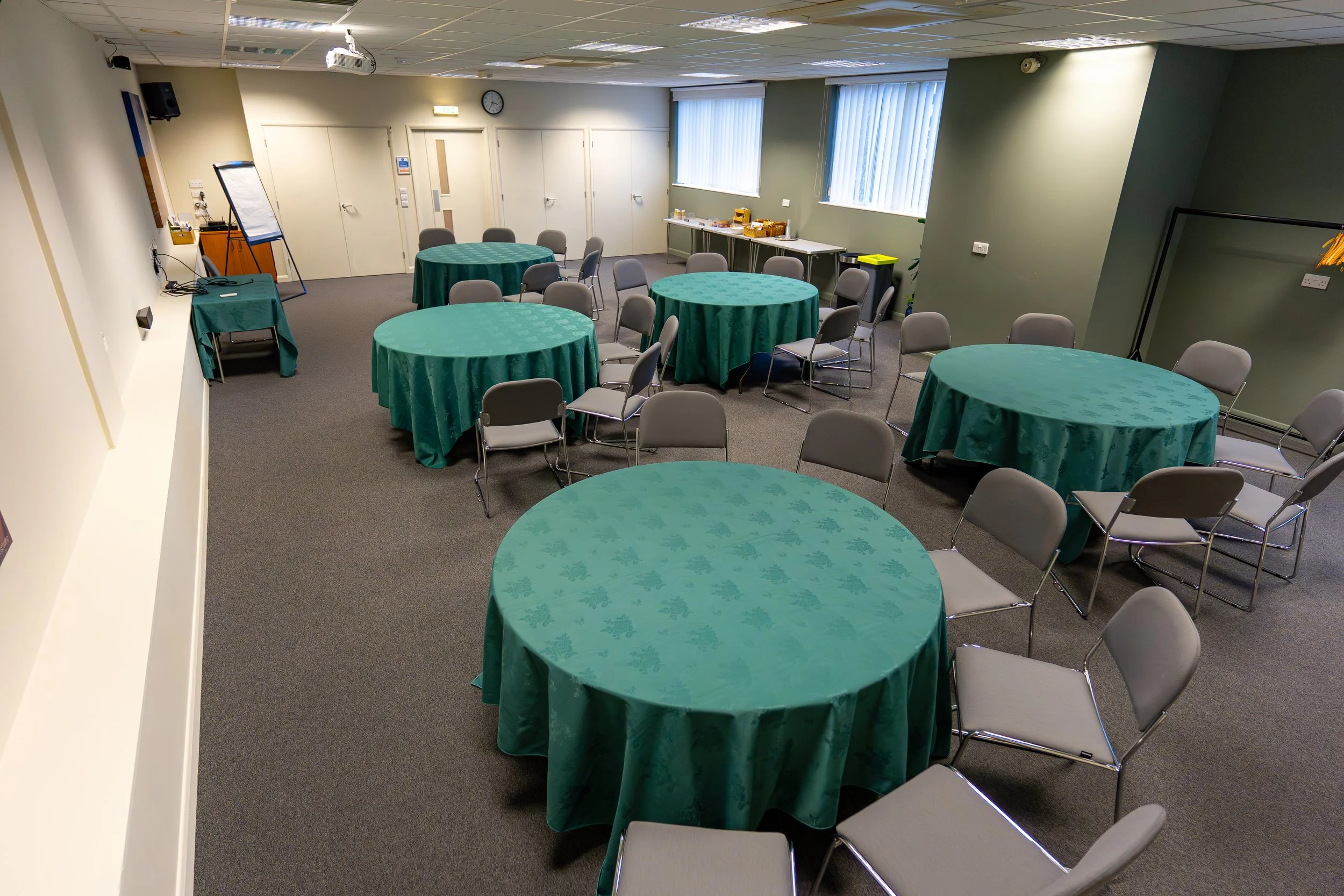
Established in 2003, The King’s Centre offers a wide range of flexible event and meeting spaces in central Norwich, including a 650 seater auditorium, two large conference suites, and multiple rooms for smaller meetings and gatherings. Run by King's Community Church, our dedicated team of staff and volunteers is committed to exceptional service with a purpose. By choosing our venue, your event helps make a difference: proceeds from our spaces and coffee shop directly support local outreach projects.
Discover our spaces
Rooms Summary
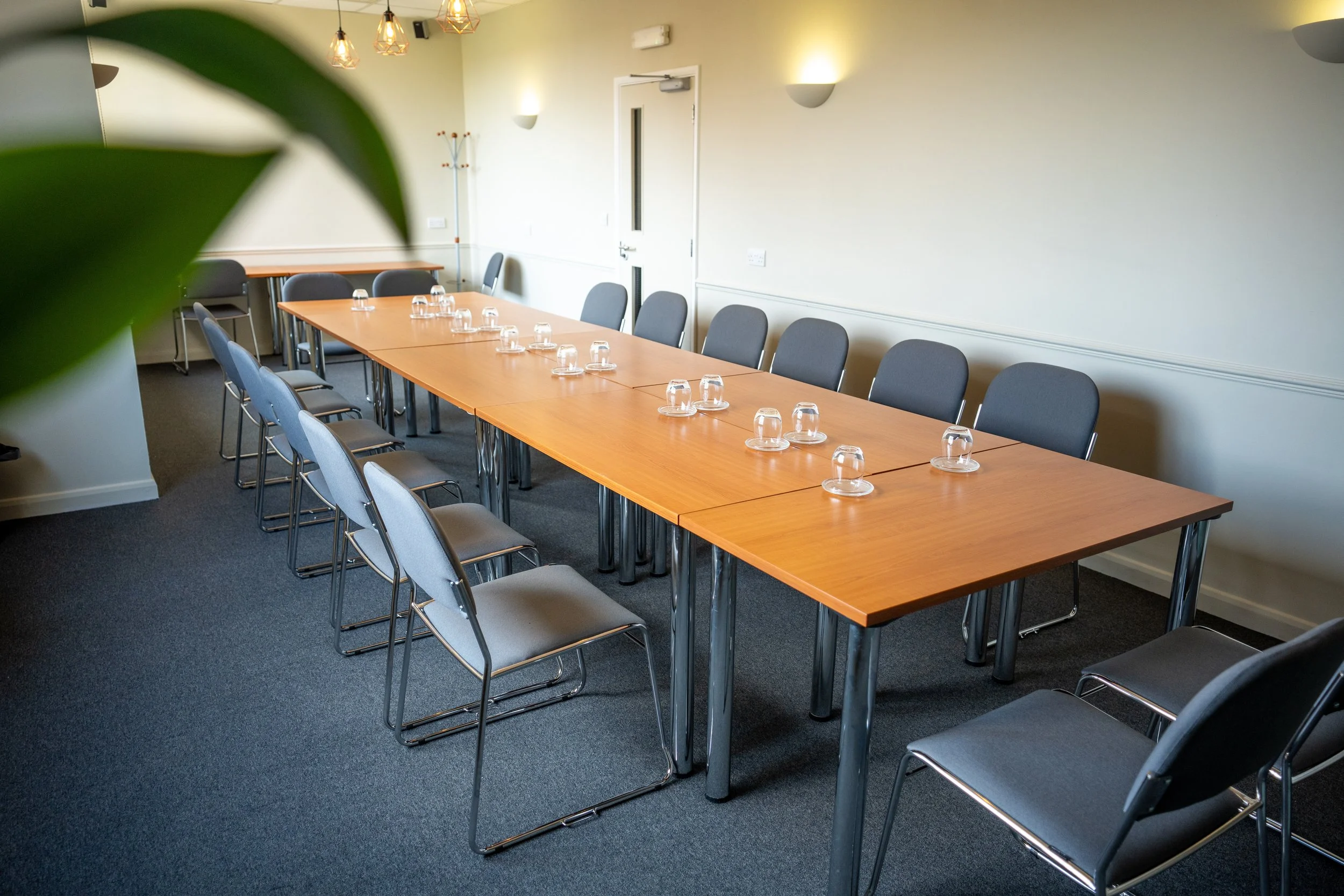
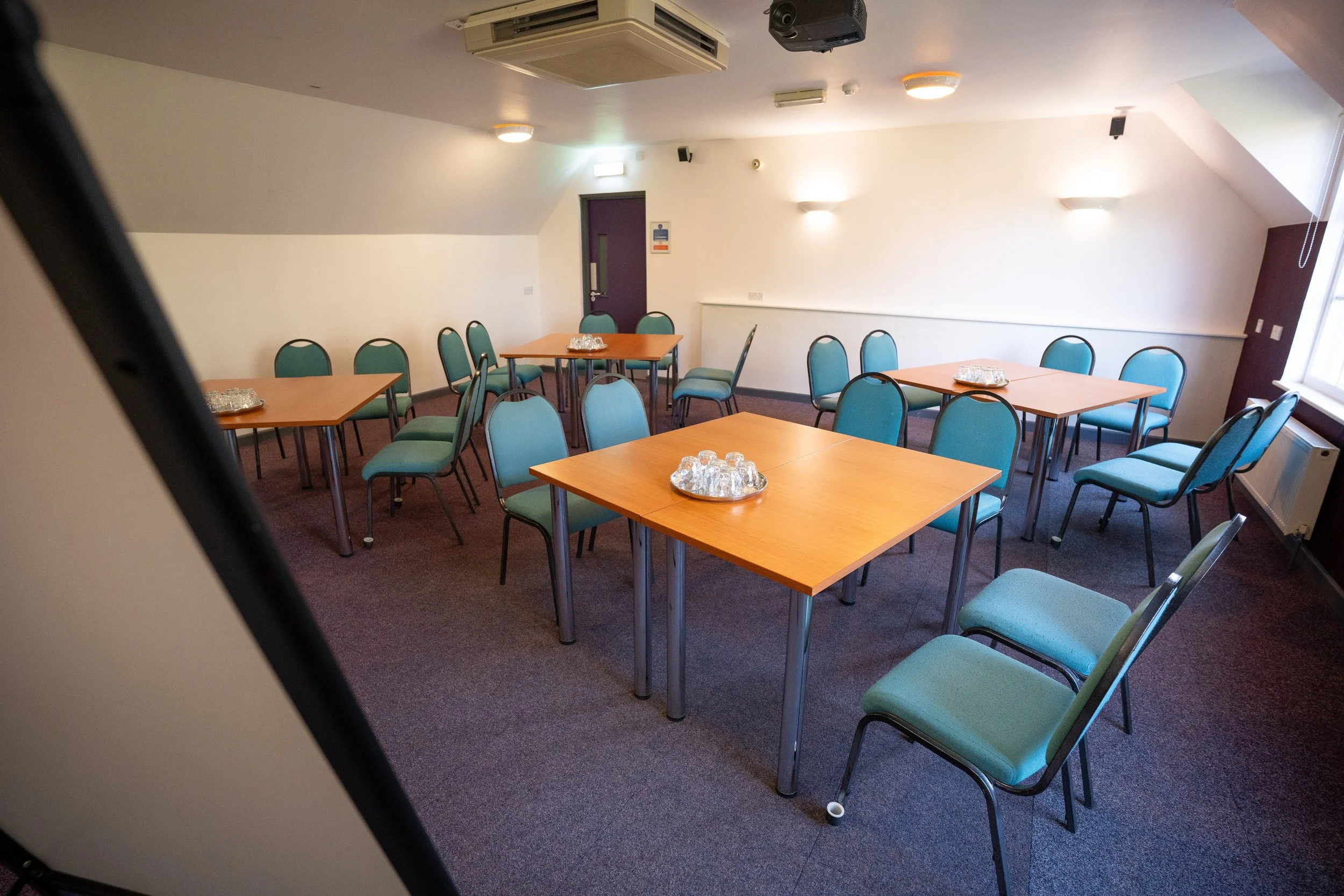
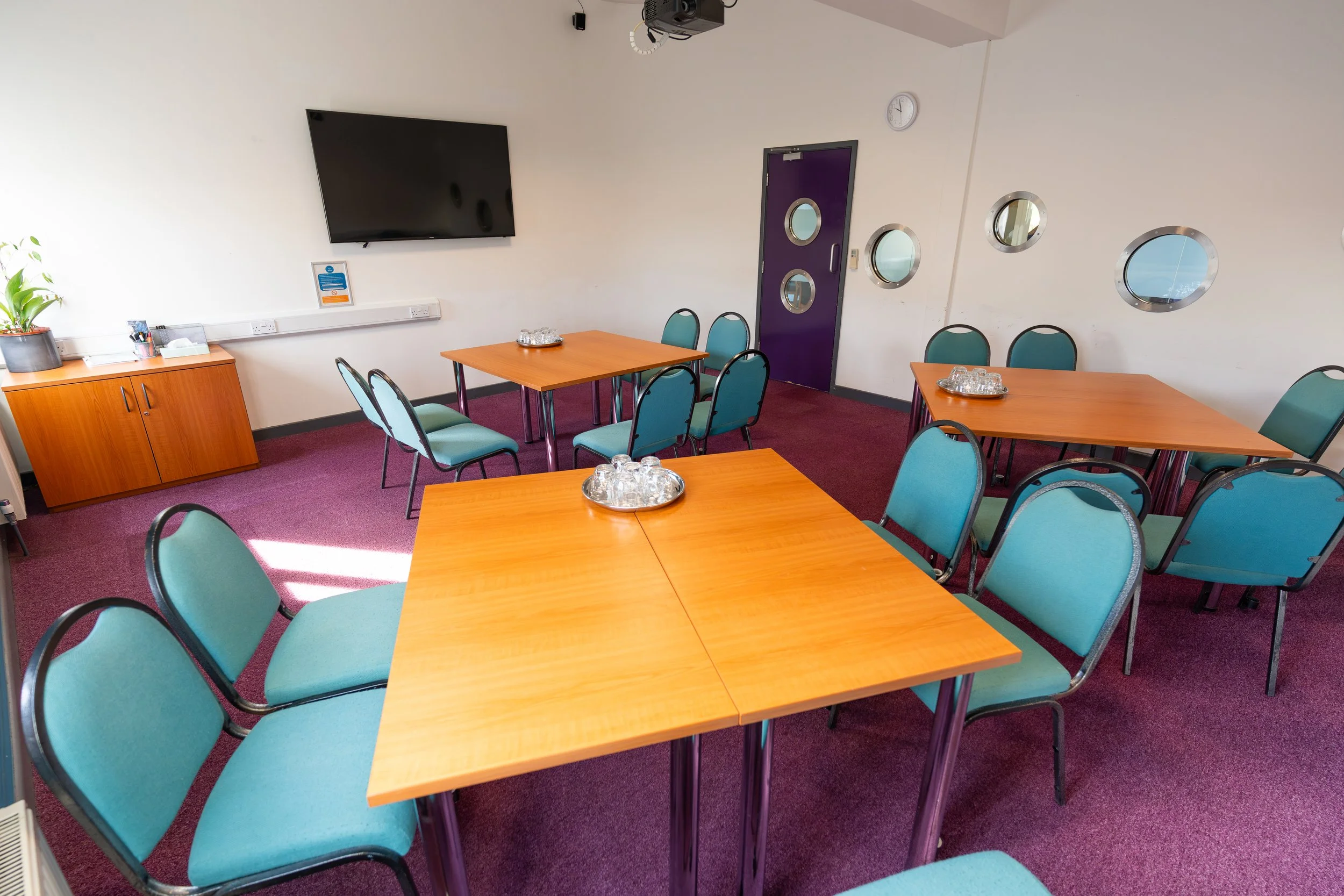
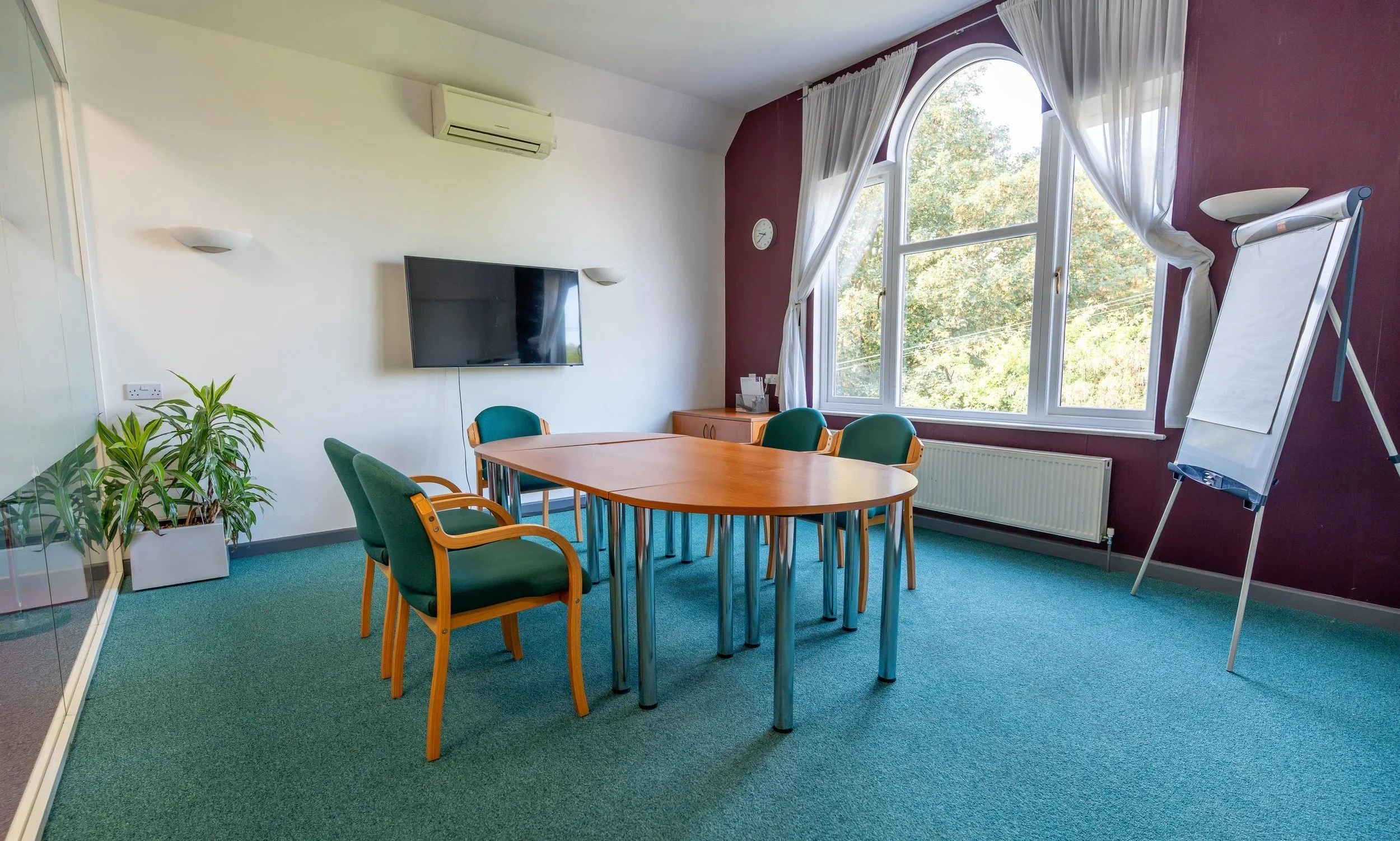
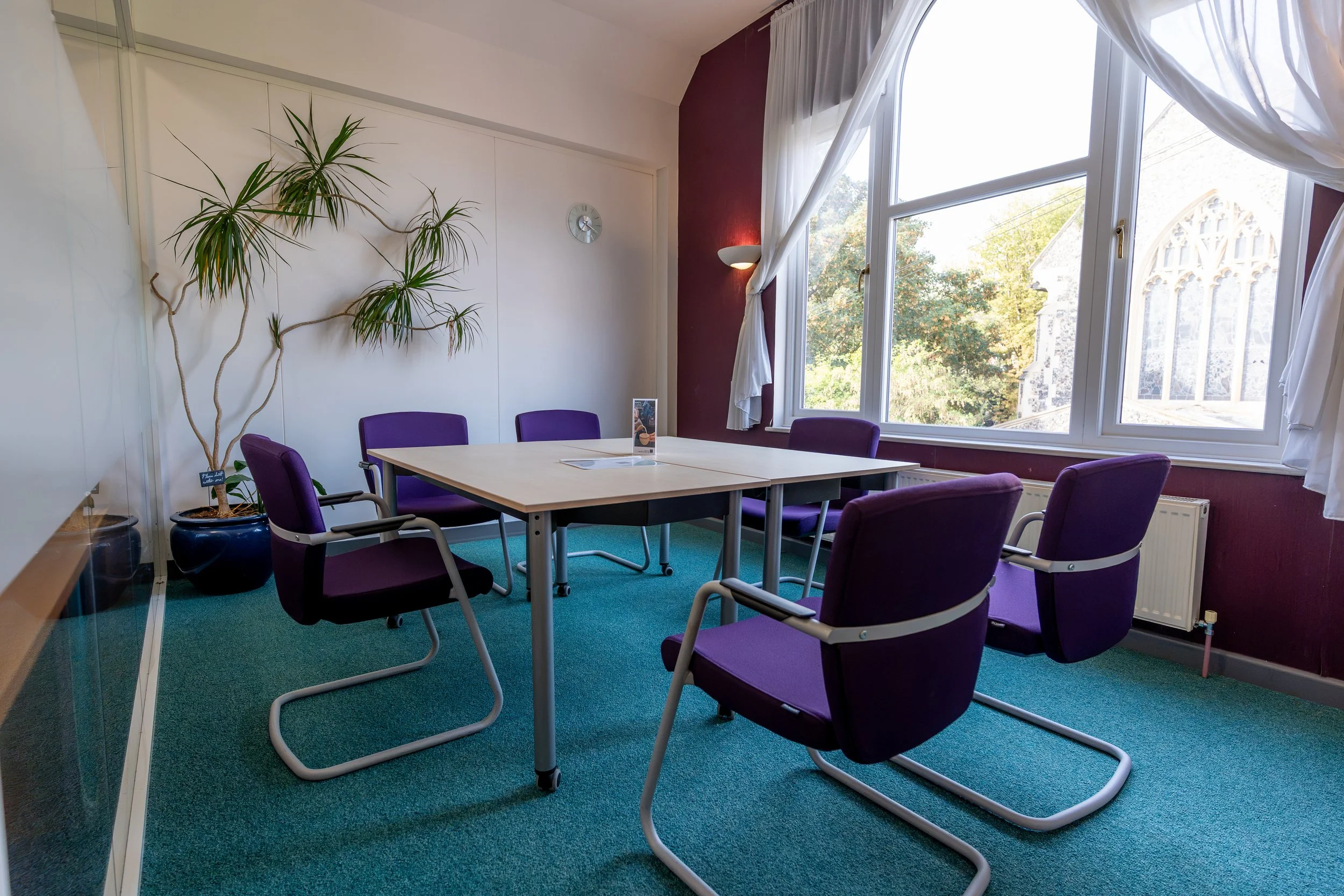
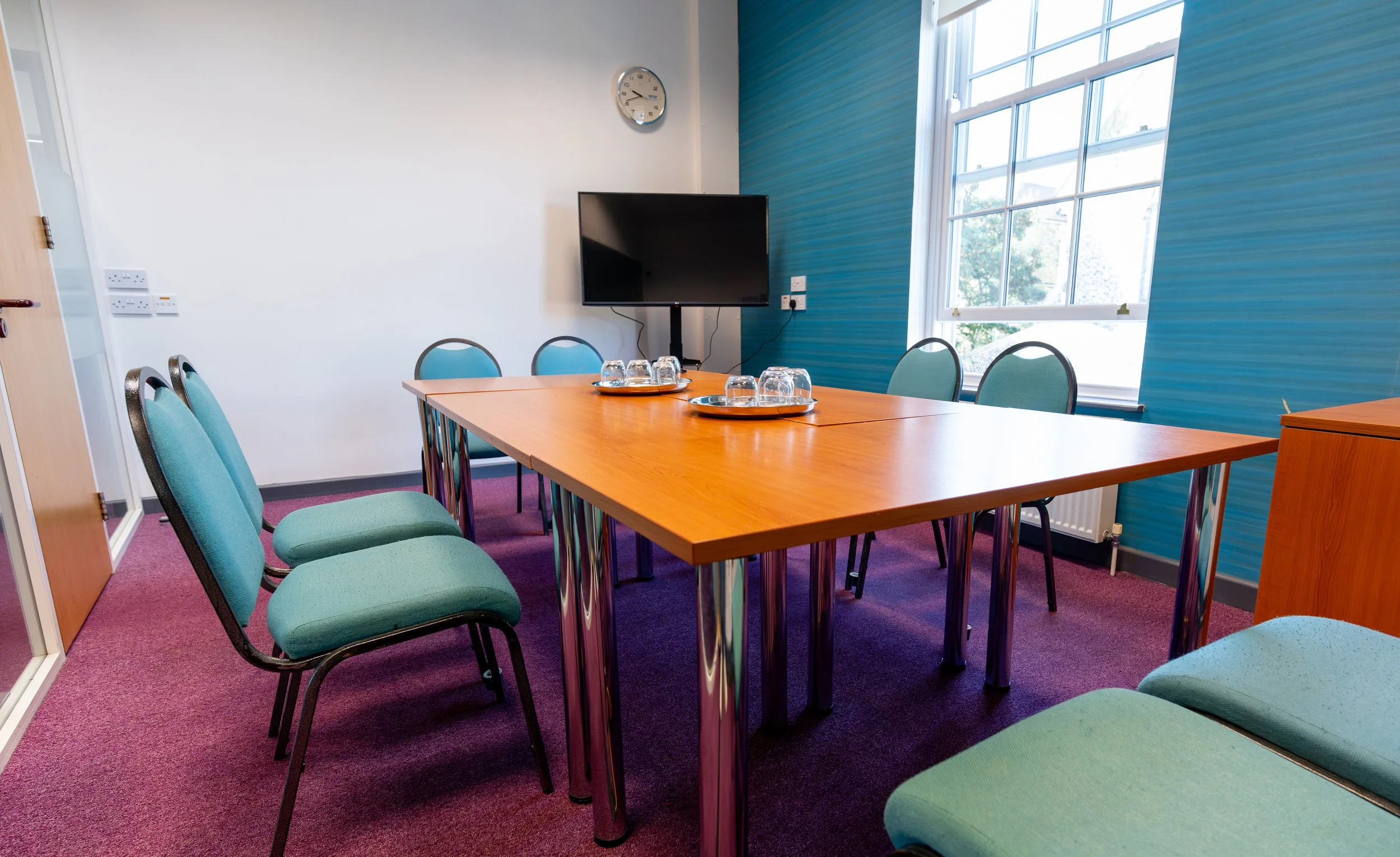
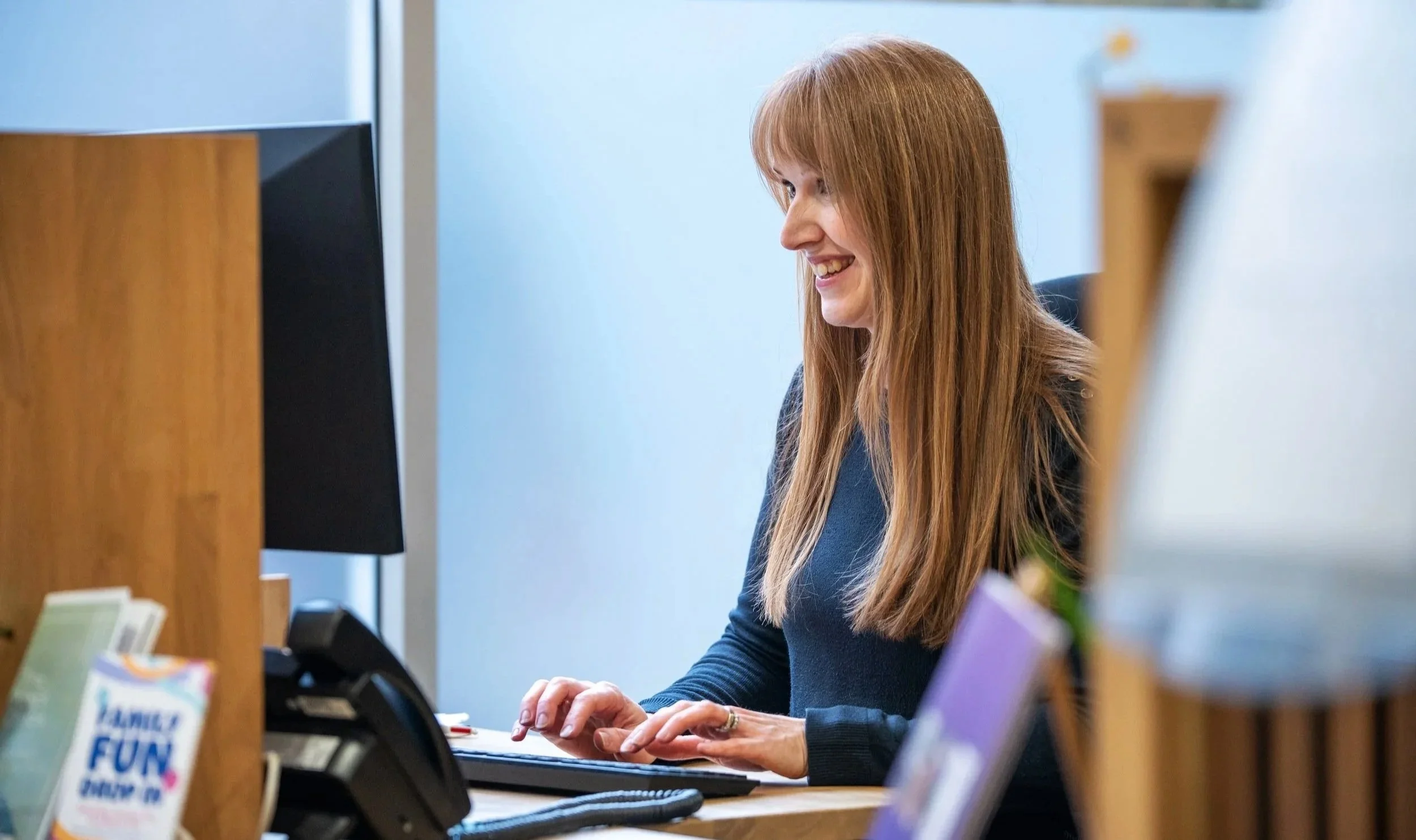
Whether you’re planning a conference, meeting, or event, our friendly team is here to help bring your vision to life. Get in touch today.
Visit Us
The King’s Centre
King Street
Norwich
NR1 1PH
W3W: ///arena.vest.values
Hours
Monday–Friday
8.30am–5pm
Email
bookings@kings-norwich.com
Phone
01603 285260